
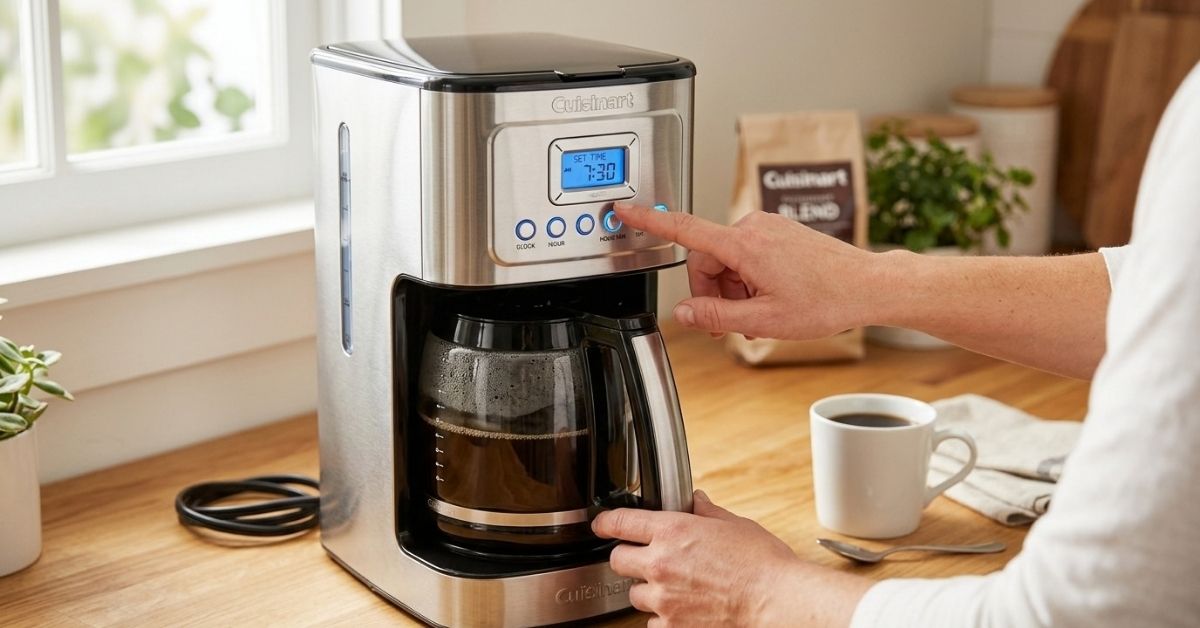
Learning how to set time on Cuisinart coffee maker models is usually easy once you know which buttons control the clock. The confusing part is that Cuisinart uses different control panels on different coffee makers. Some have separate Hour and Minute buttons, while others use a Menu or Program button.
I’ve found that the clock itself is rarely the problem. Most mistakes happen because people try to set the brew time before setting the current time. So, in this guide, I’ll walk through the process, explain what the buttons do, and cover the small issues that can make the clock seem stuck.
How to Set Time on Cuisinart Coffee Maker
The basic process is the same on many Cuisinart programmable coffee makers. You first set the hour, then the minutes, and finally make sure the display keeps the new time.
Before pressing anything, plug the coffee maker into a working outlet. The display should turn on. If it stays blank, check the power connection first.
| Step | What to do | What you should see |
| 1 | Plug in the coffee maker | Clock display appears |
| 2 | Press and hold the Hour button | Hour starts changing |
| 3 | Set the correct hour | Correct hour appears |
| 4 | Press and hold or tap Minute | Minutes change |
| 5 | Set the minutes | Correct time appears |
| 6 | Release the button | Clock stays at the new time |
On many models, the clock uses a 12-hour format. That means you also need to watch the AM or PM indicator.
Set the Hour First
Look for a button marked Hour or HR.
Press it until the correct hour appears. On some Cuisinart models, you need to hold the button down. On others, short presses move the hour one step at a time.
This is one place where I would not rush. It is easy to pass the correct hour if you hold the button too long.
If the display shows a small AM or PM indicator, check that too.
Set the Minutes
Next, find the Minute or MIN button.
Press it until the correct minutes appear. If the coffee maker changes the minutes quickly when you hold the button, release it close to the correct number and then use short presses to fine-tune it.
| Display | What it means |
| 7:00 AM | Morning time |
| 7:00 PM | Evening time |
| 12:00 PM | Noon |
| 12:00 AM | Midnight |
That AM/PM detail matters more than it seems. A clock set to 6:30 PM instead of 6:30 AM can make a perfectly working coffee maker brew at the wrong part of the day.
Why the Cuisinart Clock Can Be Confusing
Cuisinart has made many coffee makers over the years. The buttons are not identical across the range.
Some models have a simple Hour and Minute setup. Others use a Menu, Program, or similar control to reach the clock settings.
| Control style | Common setup idea | What to check |
| Hour + Minute | Set each directly | AM/PM indicator |
| Menu-based | Enter clock setting first | Display prompt |
| Program-based | Clock and auto-brew may share controls | Current time before brew time |
So, if your coffee maker does not react when you press the Hour button, don’t assume it is broken. Your particular model may use a different method.
Why Your Buttons May Not Match an Online Guide
This caught my attention when looking at Cuisinart coffee makers. A guide for one model may show buttons that simply do not exist on another.
The safest approach is to look at the exact model number printed on your machine. It is often found on a label underneath or behind the coffee maker.
That small number can save a lot of guessing.
How to Set Time on Cuisinart Coffee Maker After a Power Outage
A power outage can reset the clock on some coffee makers. The machine may still make coffee manually, but the displayed time can be wrong.
If that happens, simply set the clock again using the normal clock controls.
| Situation | What to do |
| Clock is one hour wrong | Check AM/PM |
| Clock shows the wrong hour | Reset the hour |
| Clock starts at 12:00 | Set the full time again |
| Clock goes blank | Check the power connection |
I used to think that a coffee maker would keep its clock after every short power interruption. That is not something I would count on. If the clock matters for your morning brew, it is worth checking after a power cut.
Daylight Saving Time Can Also Cause Confusion
If your local time changes because of daylight saving time, the coffee maker may not update itself.
You may need to change the clock manually.
This is especially important if you use the Auto On or programmable brew feature. A one-hour clock error can also shift your scheduled brew.
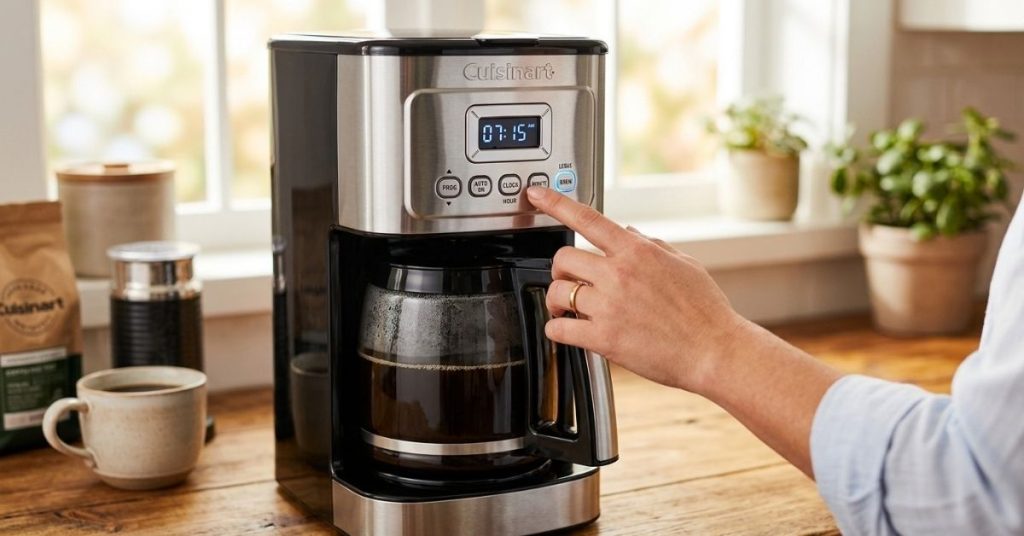
How to Set the Auto Brew Time After Setting the Clock
Setting the current time and setting the automatic brew time are two different things.
The clock tells the machine what time it is now. The program tells it when you want coffee to start brewing.
That distinction is easy to miss.
| Setting | Purpose | Example |
| Current time | Tells the machine the present time | 8:15 PM |
| Auto-brew time | Tells it when to brew | 6:30 AM |
| On/Off | Controls the programmed cycle | Enabled |
If your Cuisinart has a programmable feature, set the current time first. Then enter the desired brew time.
Why the Current Time Matters for Auto Brew
Imagine your coffee maker thinks it is 8:00 AM when the real time is 8:00 PM.
You program coffee for 6:30 AM.
The machine may not behave as you expect because its internal clock is wrong.
This is why I always recommend checking the clock before troubleshooting the programmable brew function. It takes a few seconds and removes one common source of confusion.
Common Mistakes When Setting a Cuisinart Coffee Maker Clock
Most clock problems are not serious. They are usually small button or timing mistakes.
Here are the ones worth checking first.
| Mistake | Better approach |
| Forgetting AM/PM | Check the indicator before finishing |
| Setting brew time first | Set the current clock first |
| Holding a button too long | Use short presses for final adjustment |
| Following the wrong model guide | Check the exact model number |
| Unplugging too soon | Confirm the new time is displayed |
Setting 6:30 Instead of 6:30 AM
This is probably the easiest mistake to make.
Digital clocks can make AM and PM easy to overlook. Always look for the small indicator near the time.
Confusing Current Time With Brew Time
A programmable Cuisinart can have two separate time settings.
If your coffee starts at the wrong time, don’t immediately assume the programming feature has failed. Check the clock first.
Using Instructions for a Similar Model
Two Cuisinart machines can look almost identical but have different controls.
That is why model-specific instructions are useful when the basic Hour and Minute method does not work.
What to Do If the Hour or Minute Button Does Nothing
If pressing a clock button produces no change, check a few simple things before assuming the coffee maker has a fault.
First, make sure the machine has power and the display is active.
Next, look closely at the control panel. There may be a Menu, Program, or another button that must be pressed before the clock can be changed.
| Problem | First thing I would check |
| No display | Power connection |
| Hour won’t change | Correct clock-setting mode |
| Minutes won’t change | Correct button or mode |
| Wrong AM/PM | Display indicator |
| Settings disappear | Power interruption |
If the buttons still do not respond, check the manual for your exact Cuisinart model. The model number is much more useful than the general product name.
What If the Display Is Completely Blank?
A blank display is a different problem from an incorrect clock.
Check the wall outlet first. If other appliances also lose power there, the outlet may be the issue.
Then check that the coffee maker’s plug is fully inserted.
If the machine has power but the display remains blank, the problem may need model-specific troubleshooting.
Does Unplugging a Cuisinart Coffee Maker Reset the Time?
It can, depending on the model and how long the machine is without power.
This is worth remembering if you regularly unplug your coffee maker after use.
| Habit | Possible result |
| Leave it plugged in | Clock usually remains available |
| Unplug briefly | Settings may remain or reset |
| Long power loss | Clock may need resetting |
I would not treat unplugging as a reliable way to preserve the clock. If you disconnect the machine often, get into the habit of checking the display before relying on Auto On.
How to Fix a Cuisinart Coffee Maker That Brews at the Wrong Time
If your coffee maker is brewing too early or too late, work through the clock settings before doing anything more complicated.
Start by checking the current time.
Then check AM/PM.
After that, check the programmed brew time.
| Check | Example problem |
| Current time | Machine says 5:00 PM instead of 5:00 AM |
| AM/PM | Programmed 6:00 PM by mistake |
| Brew setting | Old programmed time is still saved |
A simple test can help. Set the programmable time to a convenient time in the near future, then see whether the machine responds as expected.
Do not assume the coffee maker is faulty until you have confirmed that the clock and program are both correct.
A Simple Way to Remember the Cuisinart Clock Setup
I use a very simple order when dealing with programmable coffee makers:
Power → Current time → AM/PM → Brew time → Program on
That order keeps the two time settings separate.
| Order | Setting |
| 1 | Power the machine |
| 2 | Set current hour |
| 3 | Set current minutes |
| 4 | Confirm AM/PM |
| 5 | Set Auto On time |
| 6 | Confirm the program |
It may seem overly simple, but this prevents a lot of unnecessary button pressing.
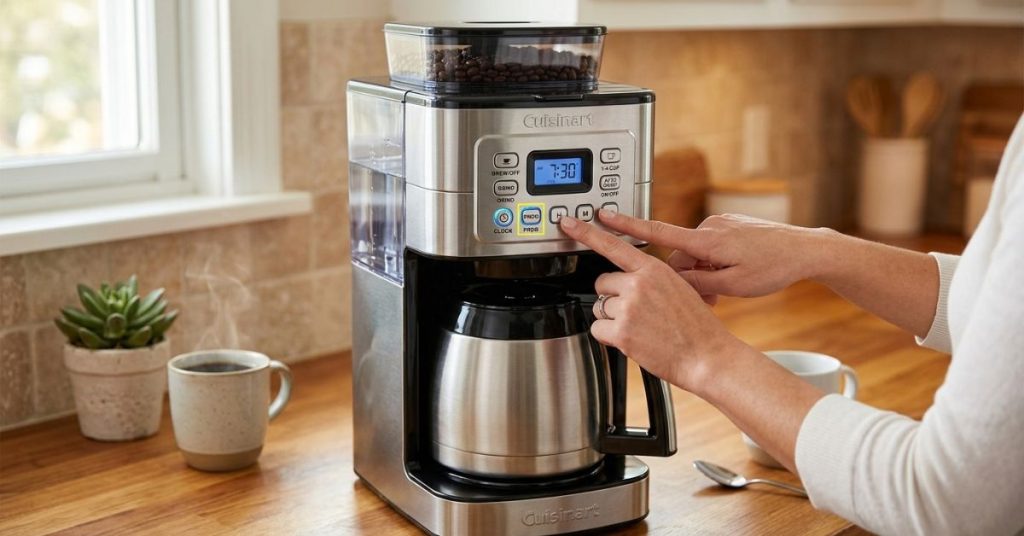
Is the Clock Different From the Programmable Timer?
Yes. Think of the clock as the coffee maker’s watch.
The programmable timer is more like an alarm.
The clock says, “It is 9:00 PM.”
The Auto On setting says, “Start brewing at 6:30 AM.”
That difference makes troubleshooting much easier.
Current Time vs. Auto-On Time
| Feature | Current clock | Auto On |
| Main job | Shows present time | Starts brewing later |
| Needs AM/PM | Usually | Usually |
| Affects scheduled brewing | Yes | Yes |
If your coffee maker shows the correct current time but still starts brewing at the wrong time, then the next place to look is the programming setting.
When You Should Check the Cuisinart Manual
For the basic clock, you can often figure things out from the control panel.
But I recommend using the exact manual when:
- Your model has no obvious Hour button.
- The display enters a different mode.
- The clock will not save.
- Auto On behaves strangely.
- The machine has unusual controls.
- You are unsure how to turn the programmed cycle on.
The model number matters because “Cuisinart coffee maker” covers many different machines.
A five-minute search for the correct manual can be much faster than trying random button combinations.
My Practical Checklist for Setting the Clock
If I were standing in front of a Cuisinart coffee maker with a wrong clock, this is the checklist I would follow.
| Check | Question |
| Power | Is the display on? |
| Hour | Is the hour correct? |
| Minutes | Are the minutes correct? |
| AM/PM | Is morning or evening correct? |
| Auto On | Is the programmed time correct? |
| Model | Am I using the right instructions? |
The biggest lesson is not to press every button and hope something happens. That can make a simple clock problem feel much harder than it really is.
Frequently Asked Questions About How to Set Time on Cuisinart Coffee Maker
How do I set time on Cuisinart coffee maker?
On many Cuisinart models, use the Hour and Minute controls to set the current time. Check the AM/PM indicator before finishing. Some models use a Menu or Program control instead.
Why won’t my Cuisinart coffee maker let me set the time?
Your model may require you to enter a clock-setting mode first. Check the control panel and the manual for your exact model before assuming the machine is defective.
How do I set AM and PM on a Cuisinart coffee maker?
Most models show AM or PM as part of the clock display. Advance the hour until the correct AM or PM indicator appears.
Why is my Cuisinart coffee maker brewing at the wrong time?
First check the current clock, then check AM/PM and the programmed Auto On time. A wrong current clock can make a correct-looking brew schedule run at the wrong time.
Does unplugging a Cuisinart coffee maker reset the clock?
It can. The behavior depends on the model and the length of the power interruption. Check the clock after unplugging or a power outage.
How do I set the timer on a Cuisinart coffee maker?
Set the current clock first, then use the machine’s programmable or Auto On controls to choose the desired brew time. The exact buttons vary by model.
Final Thoughts
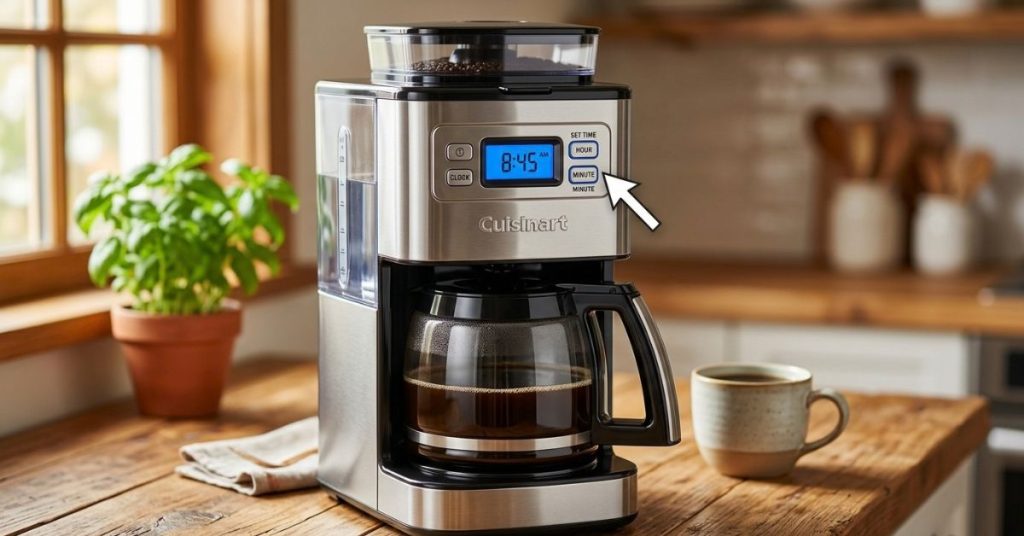
Once you understand the difference between the current clock and the automatic brew time, learning how to set time on Cuisinart coffee maker models becomes much less frustrating. The key is to set the hour and minutes carefully, confirm AM/PM, and avoid mixing the clock setting with the Auto On setting.
My biggest practical tip is simple: check the exact model before following instructions from another Cuisinart machine. The basic idea is often similar, but the buttons can change. If the clock is right and your coffee still starts at the wrong time, then move on to checking the programmed brew setting.
To Get More About Home, Kitchen Accessories Product You Can Visit Our Site. If You Found our Posts Helpful Leave a Comment Below