
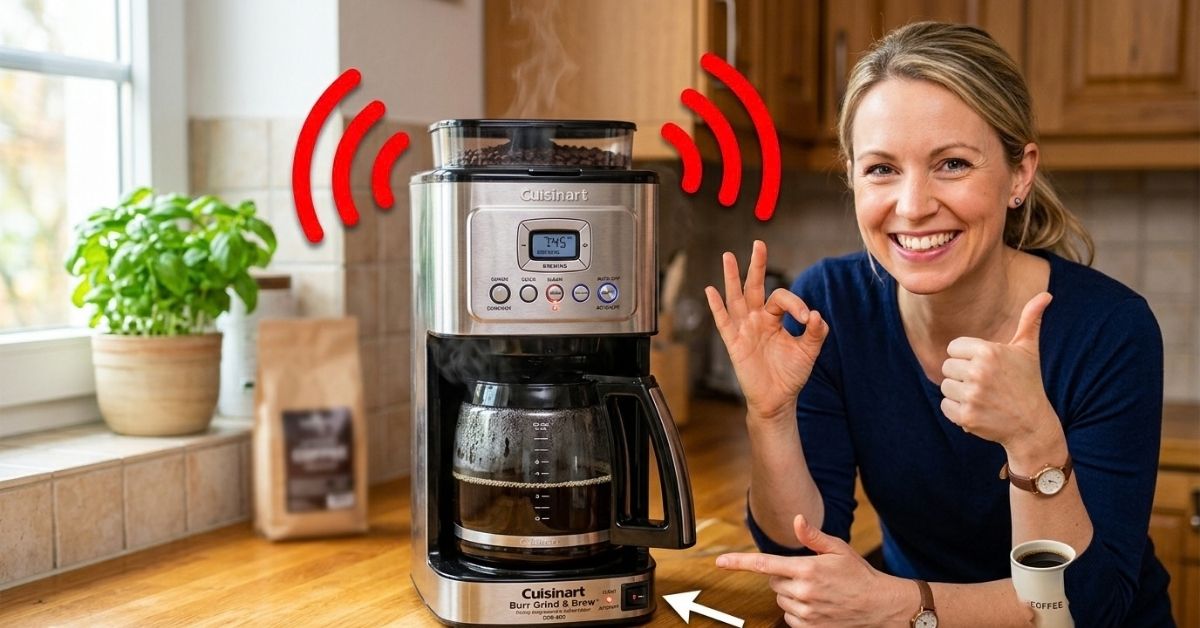
That little beep after brewing can be handy, but it gets annoying fast when you are trying to keep the kitchen quiet. I ran into the same issue and learned that the fix is often much easier than it first seems.
If you want to know how to stop Cuisinart Coffee Maker from Beeping Fast and Easy, the first thing to check is whether your model has a Ready Tone setting. Many Cuisinart programmable coffee makers let you turn this sound off with a button.
How to Stop Cuisinart Coffee Maker from Beeping
The quickest fix is to turn off the Ready Tone if your Cuisinart has one. On compatible models, the tone normally tells you that the brewing cycle has finished.
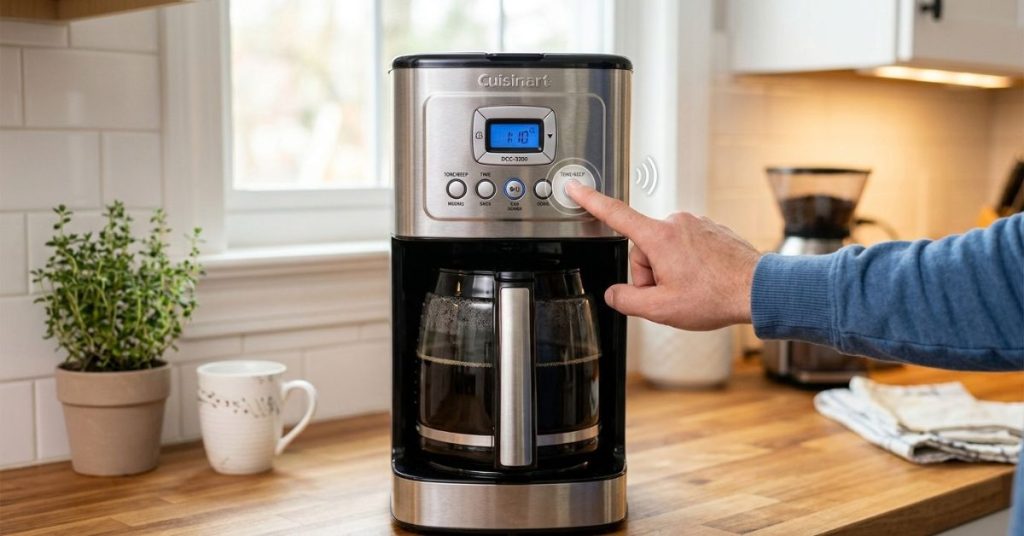
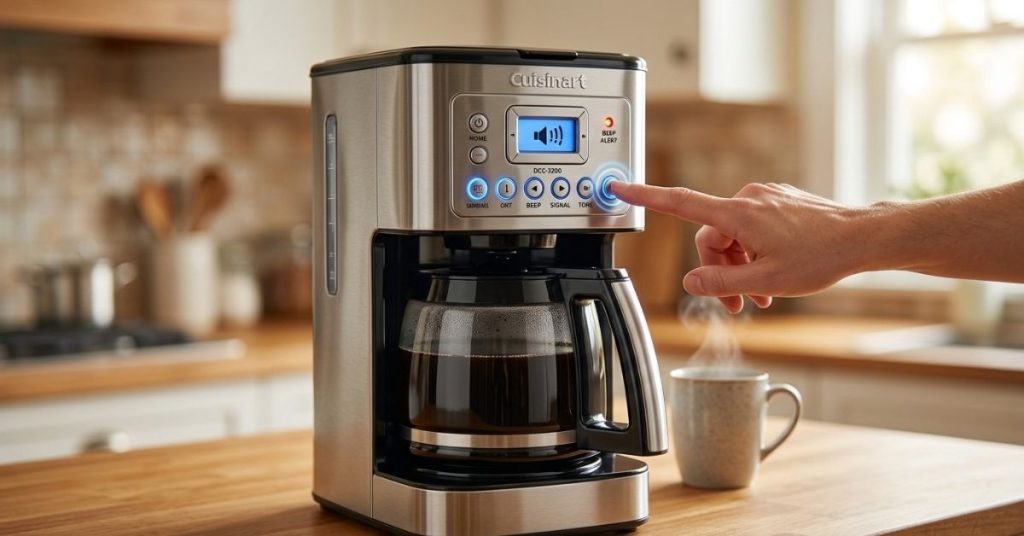
For example, the Cuisinart DCC-3200 and DCC-3400 have a dedicated Tone control. Pressing it turns the ready alert off, and an icon appears on the display. Press it again to restore the sound.
| What you hear | What it usually means |
| Beeps after brewing | Ready Tone is active |
| Five beeps at the end | Brew cycle has finished |
| Beeps during a problem | Check the display and manual |
Turn Off the Ready Tone
If your machine has a Tone button, this is the easy part.
- Make sure the coffee maker is plugged in.
- Look for the Tone button on the control panel.
- Press the Tone button once.
- Check the display for the tone-off icon.
- Run your next brew cycle and listen for the result.
On the DCC-3200, the manual states that the Ready Tone beeps five times when brewing is complete. Pressing Tone turns the alert off.
This is the first thing I would try. There is no reason to unplug the machine or start taking anything apart if the sound is simply the normal brew-finished alert.
Why Does My Cuisinart Coffee Maker Keep Beeping?
Not every beep means something is wrong. In fact, this was one of the easiest things to misunderstand.
Cuisinart uses audible alerts on several coffee makers. Some models have an optional ready alert tone, while older models may have a built-in brewing-complete beep.
| Beeping pattern | Likely cause | What to do |
| Beeps once brewing ends | Ready Tone | Turn off Tone |
| Five beeps after brewing | Brew finished | Disable Ready Tone if supported |
| Beeps with strange display behavior | Possible setting or fault | Check manual |
| Beeps at random times | Not a normal ready alert | Reset and inspect |
A Normal Beep Is Not the Same as a Fault
If the coffee maker brews normally and only beeps when the coffee is ready, I would not treat that as a malfunction.
The DCC-3400, for example, is designed to beep five times when the brew cycle finishes. Its manual specifically provides a way to turn that alert off.
That distinction matters.
I have seen people jump straight to cleaning, unplugging, or replacing parts when the machine was simply doing what it was designed to do.
Check Your Cuisinart Model Before Trying Random Button Combinations
This is where things can get confusing.
Cuisinart has many coffee makers, and the control panels are not all the same. The company currently lists dozens of coffee-maker manuals, including different programmable, thermal, and Coffee Center models.
So, if you do not see a Tone button, do not assume another button combination will work.
| If your panel has… | Try this |
| Tone button | Press Tone once |
| Tone icon on display | Confirm the icon shows it is off |
| No Tone button | Check your exact manual |
| Different control panel | Do not assume DCC-3200 steps apply |
Look for the Exact Model Number
The model number is usually printed on a label on the coffee maker.
You may see something such as:
- DCC-3200
- DCC-3400
- DCC-4000
- DCC-500
- Another DCC or SS model
Cuisinart’s official manual page is useful here because the company groups its coffee-maker manuals by model.
This small step can save a lot of frustration.
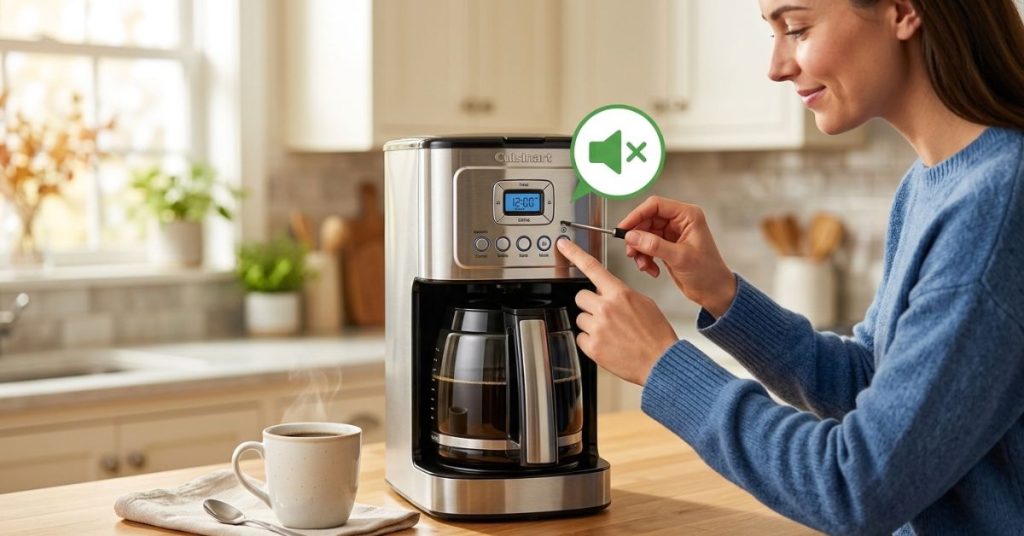
How to Stop Cuisinart Coffee Maker from Beeping Without Disabling Brewing
You do not need to turn off the coffee maker to stop the normal ready beep.
The Ready Tone is separate from the actual brewing function on compatible models. The DCC-3200 manual describes the Tone button as a control for the audible brew-cycle-finished alert.
That means you can still:
- Set the clock.
- Program Auto On.
- Brew coffee normally.
- Use the warming function.
- Set Auto Off.
- Use the machine each morning.
The machine simply stops announcing that the coffee is finished.
| Function | Still works with Ready Tone off? |
| Normal brewing | Yes |
| Programmable brewing | Yes |
| Auto On | Yes |
| Auto Off | Yes |
| Ready beep | No |
The Display Is Your Best Clue
On compatible Cuisinart models, turning the tone off adds an icon to the display.
That little icon is useful because it confirms that you changed the setting. If you press the button and nothing seems to happen, look closely at the display before assuming the button failed.
What If Your Cuisinart Does Not Have a Tone Button?
This is where I would stop trying random fixes.
Some Cuisinart models have an adjustable or optional Ready Tone. Others may simply have a different control system. Cuisinart’s current DCC-3200 and DCC-3400 listings both identify a ready alert tone that can be turned on or off.
But you cannot assume every Cuisinart coffee maker has the same feature.
| Situation | Best next step |
| You see Tone | Press it |
| You see no Tone | Find the model manual |
| Manual says tone cannot be disabled | Keep the normal alert |
| Beeping seems abnormal | Troubleshoot the machine |
Do Not Start With a Factory Reset
I would not make a reset your first move.
If the coffee maker is simply giving its normal ready alert, resetting the machine will not solve the underlying issue. You may also have to re-enter the clock and programmed brew time afterward.
The DCC-3200, for example, has a 60-second reset feature that protects programmed information during a brief power interruption.
That is useful for power problems, but it is not the normal solution for an annoying ready beep.
When Beeping May Point to a Different Problem
The situation changes if your coffee maker starts beeping at odd times.
A normal ready alert should happen in relation to the brew cycle. If the machine starts beeping before brewing, stops brewing, shows unusual display behavior, or repeatedly beeps without making coffee, I would not simply mute the sound and ignore it.
| Symptom | What I would check first |
| Beep only after brewing | Ready Tone |
| Beep but no coffee | Water and brew setup |
| Random beeping | Power and controls |
| Slow or strange brewing | Mineral buildup |
| Beep with warning indicator | Manual instructions |
Check Water, Carafe, and Filter Setup
Before assuming an electronic fault, check the simple things.
Make sure the water reservoir has enough water. Make sure the filter basket is sitting correctly. Check that the carafe is positioned properly and that the lid is closed as your model requires.
These checks are especially useful if the beeping started at the same time as a brewing problem.
I have learned that coffee makers often make a small setup mistake feel much more complicated than it really is.
Could Cleaning Stop the Beeping?
Cleaning may help if the machine is also showing signs of mineral buildup or poor brewing, but it is not normally the fix for a standard ready beep.
Cuisinart says mineral deposits can build up inside coffee makers and affect brewing speed and function. Many Cuisinart models also have a Clean function and a decalcification indicator.
So I would separate these two issues.
| Problem | Cleaning worth trying? |
| Normal beep after brewing | No |
| Slow brewing | Yes |
| Mineral buildup | Yes |
| Clean indicator is on | Yes |
Do Not Confuse the Clean Alert With the Ready Tone
This is another easy mistake.
A Cuisinart coffee maker can have a Clean indicator and a Ready Tone. They serve different purposes.
The Clean indicator tells you that the machine needs attention. The Ready Tone tells you that brewing has finished. On models such as the DCC-3200, these are separate controls and indicators.
If your machine is beeping after every normal brew, turning off the Ready Tone is the more relevant fix.
What If the Beeping Comes Back?
If you turn off the Tone and the normal brewing beep returns later, check whether the machine lost power.
Some Cuisinart models include power-loss protection. The DCC-3200, for example, has a 60-second reset feature designed to retain programmed information during a brief power interruption.
A power interruption can also make you think the machine has developed a new problem when it has really just reset part of its operation.
Check the Tone Setting Again
After a power event, look at the display.
If the tone-off icon is gone, press the Tone button again if your model supports it.
I would also check whether the clock is correct. If the time has reset or flashing numbers appear, that is another clue that the coffee maker experienced a power interruption.
Common Mistakes When Trying to Stop the Beep
The easiest fix can become surprisingly annoying when you try the wrong method first.
Here are the mistakes I would avoid.
| Mistake | Better approach |
| Unplugging the machine first | Check for Tone |
| Cleaning only to stop a normal beep | Identify the alert |
| Using another model’s button sequence | Find your model |
| Ignoring unusual beeping | Check the manual |
| Replacing parts immediately | Test basic functions first |
Do Not Cover or Block the Speaker
It may sound tempting to put tape over the speaker or physically block the sound.
I would skip that.
It does not actually disable the alert system, and it can make troubleshooting harder later. If your model provides a proper Tone setting, use it.
Do Not Assume Every Beep Is Bad
This is probably the biggest lesson.
A coffee maker that beeps once the coffee is ready is not necessarily warning you about a problem. Several Cuisinart models intentionally use a brew-complete alert.
The sound is only a problem when you do not want it.
A Fast Troubleshooting Routine I Would Use
If I had a Cuisinart coffee maker beeping beside me right now, I would work through this in order.
First, I would wait until the brew cycle finishes and listen to when the sound occurs. If it happens five times right at the end, that strongly points toward the Ready Tone on compatible models.
Next, I would look for the Tone button.
If it is there, I would press it once and look for the tone-off icon. Then I would brew another pot.
If there is no Tone button, I would stop guessing and look up the exact model manual through Cuisinart. The company provides a dedicated coffee-maker manual section for this purpose.
Can You Make a Cuisinart Coffee Maker Completely Silent?
Not necessarily.
That depends on the model.
Some Cuisinart coffee makers give you direct control over the Ready Tone. The current DCC-3200 and DCC-3400 product information specifically describes the ready alert as optional.
Older models can work differently. For example, Cuisinart lists some discontinued machines with a built-in brewing-complete beep, including models where the alert behavior differs from newer machines.
So there is no single button sequence that works for every Cuisinart coffee maker.
| Model situation | Silent option |
| Has Tone button | Yes, use Tone |
| Has Ready Tone setting | Usually yes |
| Older fixed-alert model | May be limited |
| Unknown model | Check its manual |
Final Thoughts
Learning how to stop Cuisinart Coffee Maker from Beeping Fast and Easy is usually much simpler than it sounds. If your coffee maker gives the normal brew-complete alert, look for the Tone button and turn the Ready Tone off. On compatible Cuisinart models, the display will show an icon confirming the alert is disabled.
The main thing I learned is not to treat every beep as a repair problem. First figure out when the machine beeps and what the display shows. If the sound happens only when brewing finishes, it is likely just an alert. If it happens randomly or alongside brewing problems, then it is worth checking the exact model manual and troubleshooting further.
To Get More About Home, Kitchen Accessories Product You Can Visit Our Site. If You Found our Posts Helpful Leave a Comment Below